

Hook Up iPhone and Android to Toyota Wi-Fi Connect on Camry, Avalon and Others
What is Toyota Wi-Fi Connect?
With the ever-so-connected world we live in, it’s no surprise that we now have access to wireless internet in our cars. Keeping the kids entertained on the road has never been easier, thanks to Toyota’s Wi-Fi Connect. This service provided by Verizon allows you to connect up to five devices to an in-vehicle hotspot. Wi-Fi Connect is available on certain Toyota models equipped with Entune Audio Plus and Entune Premium Audio. New cars equipped with Toyota Wi-Fi Connect will receive a 2 GB/6 month free trial (whichever comes first).
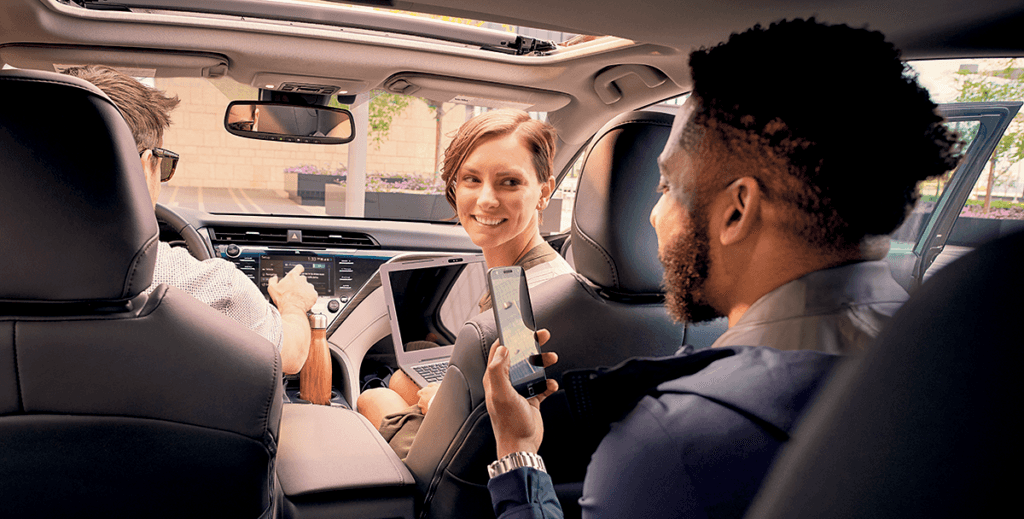
How Do I Connect to Toyota Wi-Fi Connect?
- Press the “Menu” button on your vehicle’s Entune head unit
- Tap “Set Up” on the touchscreen display
- Tap “Wi-Fi” and toggle the network to “On”
- The touchscreen should now display the name of your vehicle’s hotspot
- On your cell phone, navigate to your Wi-Fi settings
- Select your car’s hotspot and enter the password
- Begin to enjoy the perks of having Wi-Fi at the tip of your fingertips
How Much Does Toyota Wi-Fi Connect Cost?
While the first 2GB or 6 months of Wi-Fi Connect is free, you will be asked if you’d like to continue your service once the trial is over. If you already have a Verizon account, you can add this plan directly to that account. If you don’t have a Verizon account, you will have to set one up in order to continue to use Wi-Fi Connect.
Toyota Wi-Fi Connect by Verizon plans include:
- $35/month for 2GB
- $50/month for 4GB
- $70/month for 8GB
Which Toyota Models Have Wi-Fi Connect Capability?
-
- 2019 Avalon
- 2019 C-HR
- 2019 Camry
- 2019 Corolla Hatchback
- 2019 Sienna
- 2018 Camry
- 2018 Sienna
For additional help setting up Toyota Wi-Fi Connect, tap “Set Up” on your touch screen display, then tap “Wi-Fi” and “How to Connect”. Have more questions about Toyota Wi-Fi Connect? Feel free to leave us a comment!
14 comment(s) so far on Hook Up iPhone and Android to Toyota Wi-Fi Connect on Camry, Avalon and Others
Support has been added for the 2020 Tacoma as well.
I pay monthly for WiFi for my Camry but it isn’t working and I can’t even find the WiFi toggle on my screen
After the trial period, do you have to pay for any of the other Toyota Connect services to also have WIFI, or can WIFI be a stand alone feature you subscribe to?
Please i have camry se 2018 but i don’t find the wi-fi option! My ask me my car need the updated scren?
Hello I purchased Toyota WiFi but having problems connecting
Press the “MENU” button and then select “Setup” on display screen. Scroll down to “Wi-Fi” and turn it on. Once the system connects to the internet, the system will display the name of the Wi-Fi hotspot when it’s discoverable. Next go to your device and enable the Wi-Fi. Hope that helps!
Is this for toyota tundra 2022
Yes, the 2022 Toyota Tundra has wifi connectability and you should be able to follow these same steps to get it connected. Press the “MENU” button and then select “Setup” on display screen. Scroll down to “Wi-Fi” and turn it on. Once the system connects to the internet, the system will display the name of the Wi-Fi hotspot when it’s discoverable. Next go to your device and enable the Wi-Fi. Good luck!
How do I find out when my Wi-Fi on my Toyota Sienna runs out?
If you’re in the area, give us a call at (503)-582-9040 and we can help you figure out when your Sienna’s Wi-fi trial expires. Otherwise, get ahold of your local Toyota dealership and they can help you out!
When I go to wifi on my car, it won’t toggle to on. Every time I press it. It tries to connect, & can’t.
We’re sorry to hear that! If you are in the area, please reach out to our team at (503)-582-9040 to see how we can solve this problem for you. Either way, your local Toyota dealership should be able to help you fix your vehicle’s wi-fi issue. Thanks for reading, we hope it gets fixed soon!
I want to know if my Toyota Starlet 1.5 XS 2022 model has WIFI Connect and if it does, how do I navigate and get myself connected. Please help.
I have toyota Quantum model 2023. I want a wi-fi password